
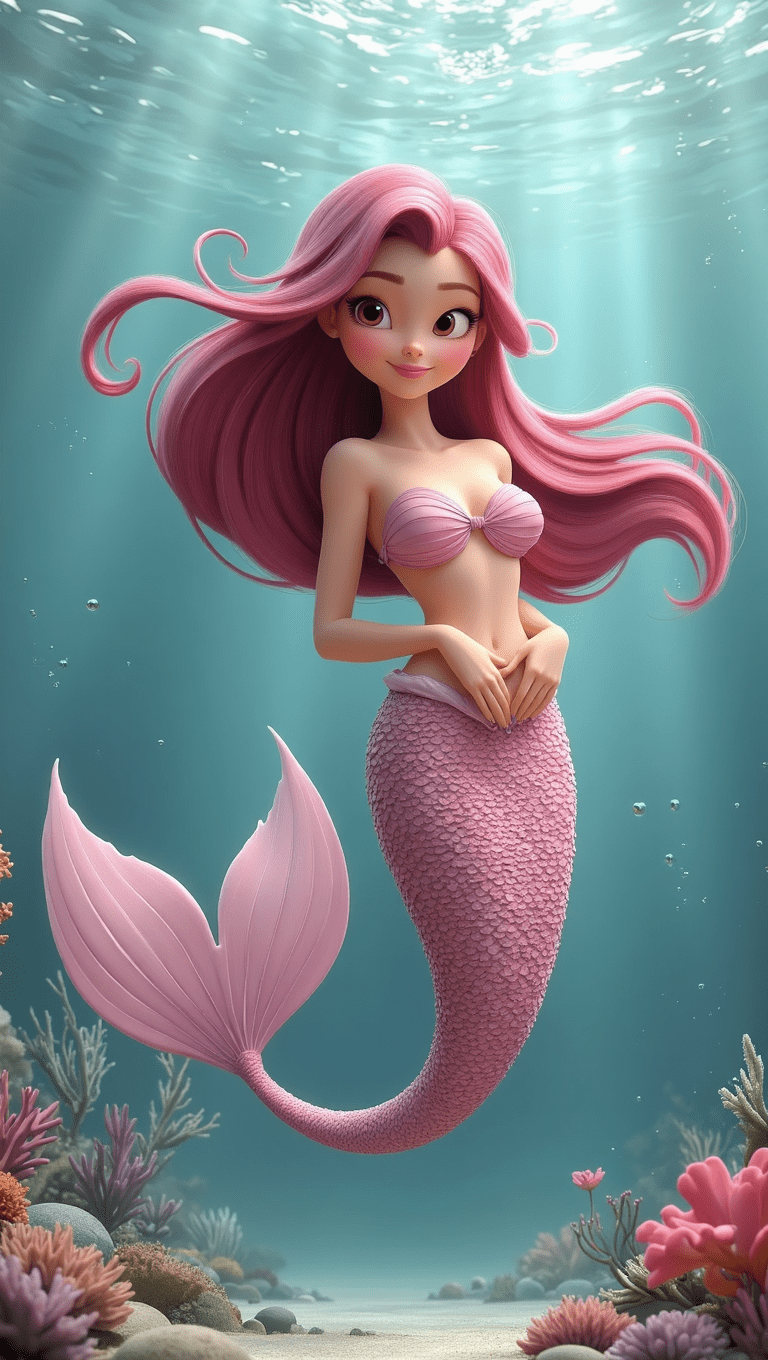
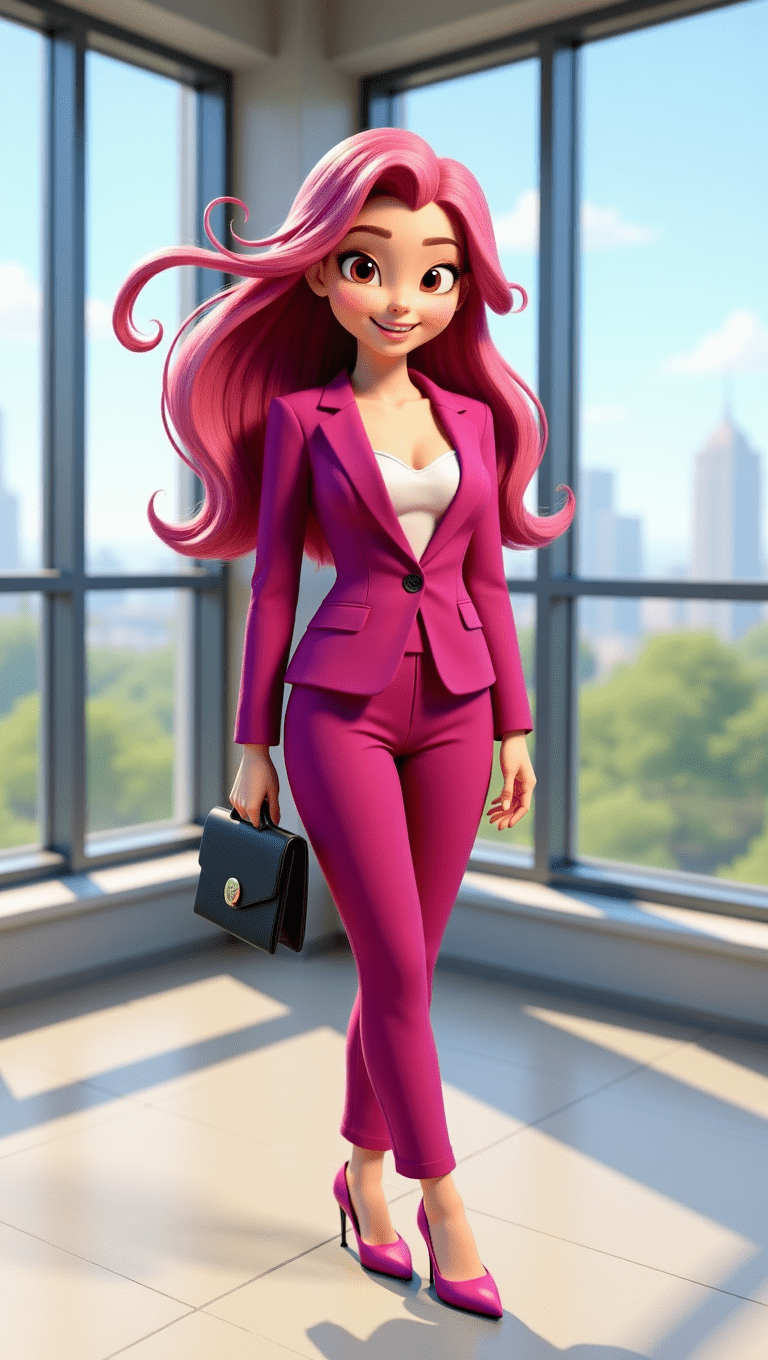
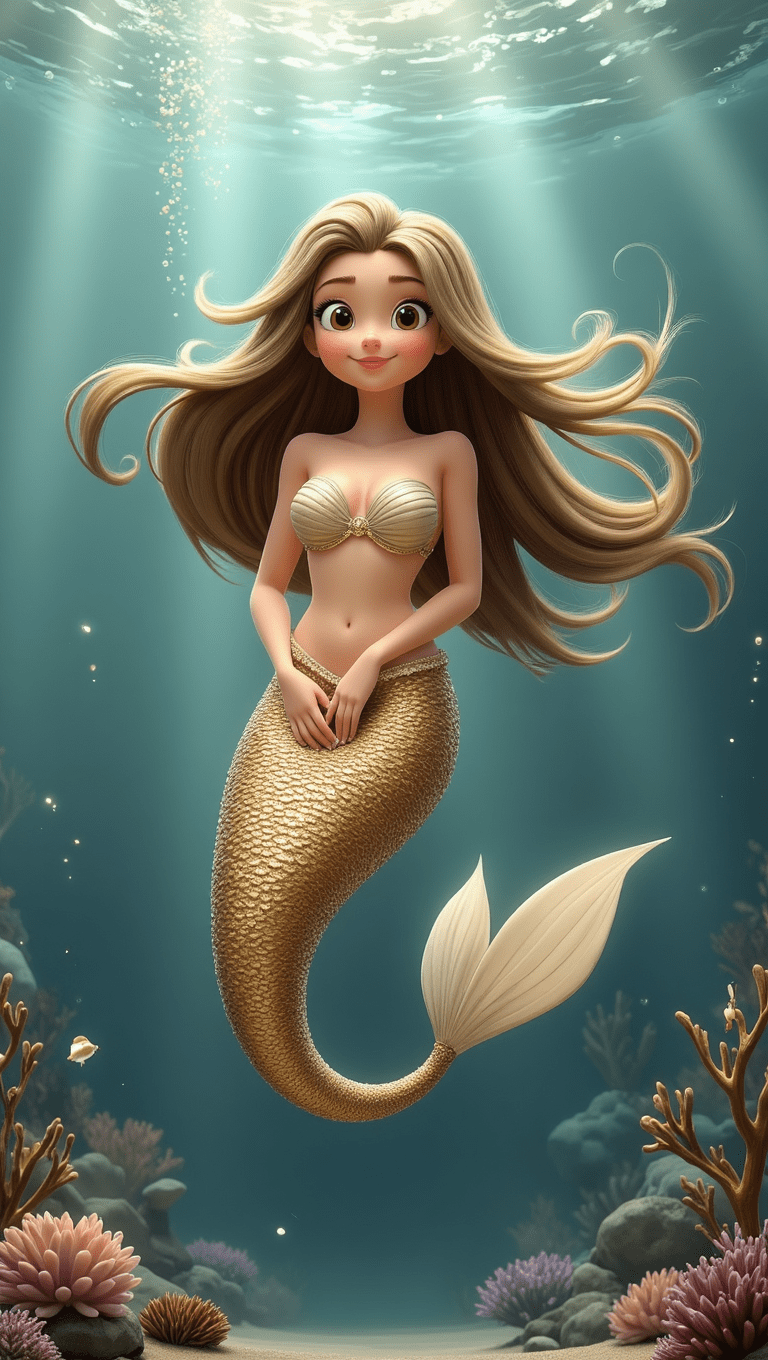
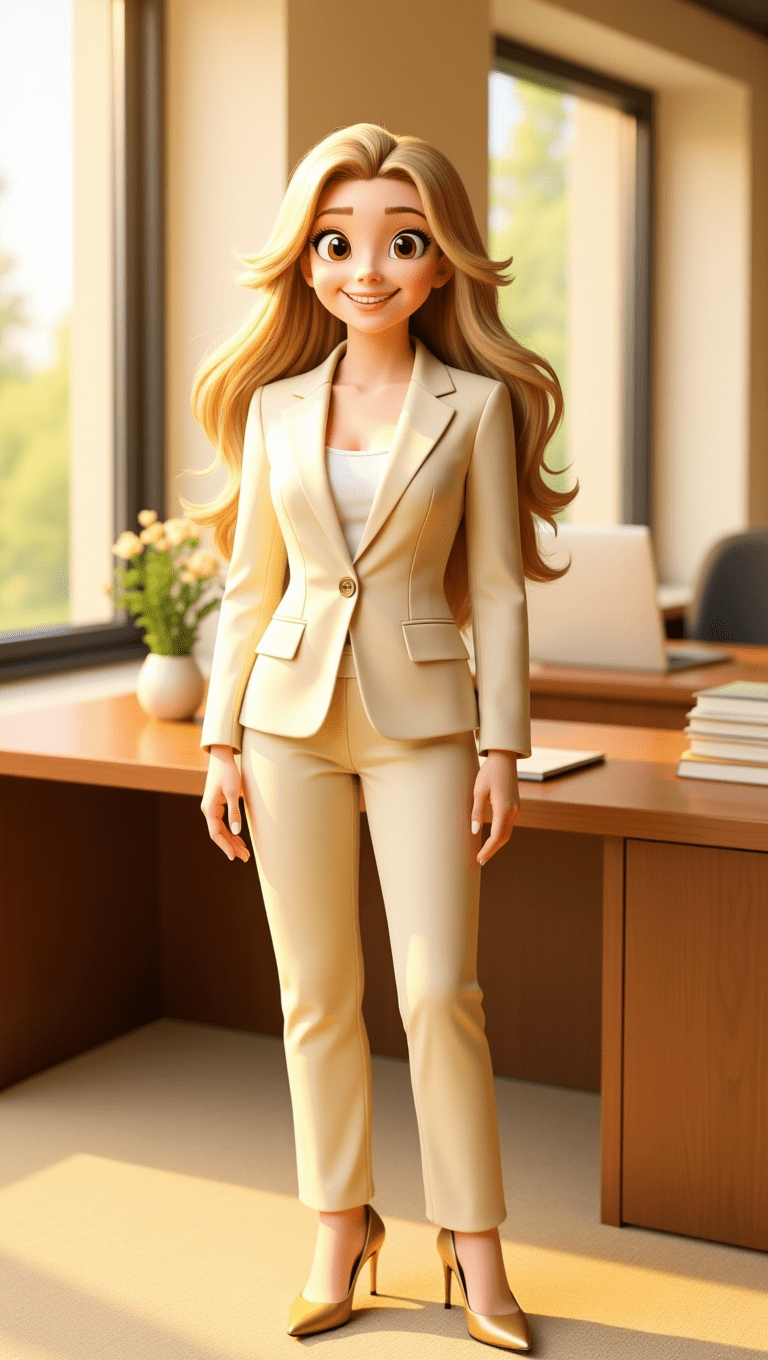
I’ve been spending a lot of time testing picture prompts inside VideoExpress AI lately. It feels freeing to work with a tool that lets me generate as much as I want without worrying about credits running out. When you create every day, that kind of freedom changes everything. AI can be unpredictable, and sometimes it hands you something magical. Other times you use AI image prompts that gives you an image that feels like a dream (or nightmare) you can’t quite explain. Instead of fighting that unpredictability, I like using it as part of the creative process and guide it with clear cinematic direction.
(Click to enlarge images above on smaller devices)
Tools like VideoExpress, Hailou AI, and Leonardo AI now offer built-in prompt enhancers, but I still prefer crafting my picture prompts in CHATGPT first. It gives me room to explore mood, tone, lighting, and emotional rhythm before bringing the idea into whatever AI animation software I’m using. A prompt with intention hits differently, especially when your goal is creating AI scenes that feel like tiny films instead of random outputs from an art inspiration generator. No one likes AI slop.
The approach I use is simple and works for portraits, fantasy characters, creatures, landscapes, or anything you want to bring to life — whether you’re experimenting with AI image prompts or building a consistent AI FANTASY ART GALLERY:
Subject + Environment + Lighting + Atmosphere + Motion Intention
This structure transforms your ideas into miniature cinematic stories. It also sets the foundation for more expressive AI generated animation. Below are three fully original prompt engineering examples showing how stronger picture prompts lead to better AI image prompts and cinematic results, perfect for TikTok, Reels, Shorts, or animated blog content.
Why AI Needs Clear Direction
AI models blend visual patterns from huge datasets. When your picture prompts are vague, the model fills in the gaps with guesses, which is why simple AI image prompts often feel disconnected from what you imagined.
Once you guide these pieces, unpredictability becomes creativity instead of chaos.
This is also how you get closer to some of the best AI image results without relying on luck.
Clear, intentional prompting helps the AI understand:
- What matters in the scene
- What the emotional tone should be
- How the light behaves
- How the camera should move
Full Disclosure:
Parts of this blog post were written with the help of AI, and I refined everything with my own experience, personal voice, and hands-on testing. I also checked the content for plagiarism to make sure the explanations and structure were fully my own.
The prompts included here are not “original writing” in the literary sense — they are functional AI instructions created with the help of ChatGPT and shaped through real-world experimenting inside VideoExpress AI. Their wording often overlaps with standard cinematic terminology used across many tools, which is normal for prompt engineering.
1. Photorealistic Portrait in 9:16
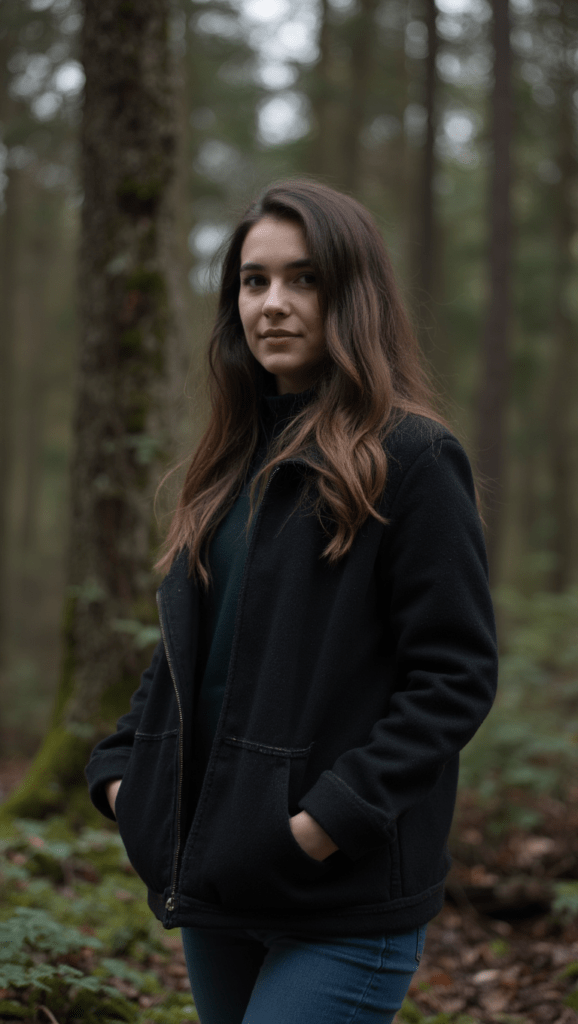
Mediocre Prompt
“A woman in the forest”
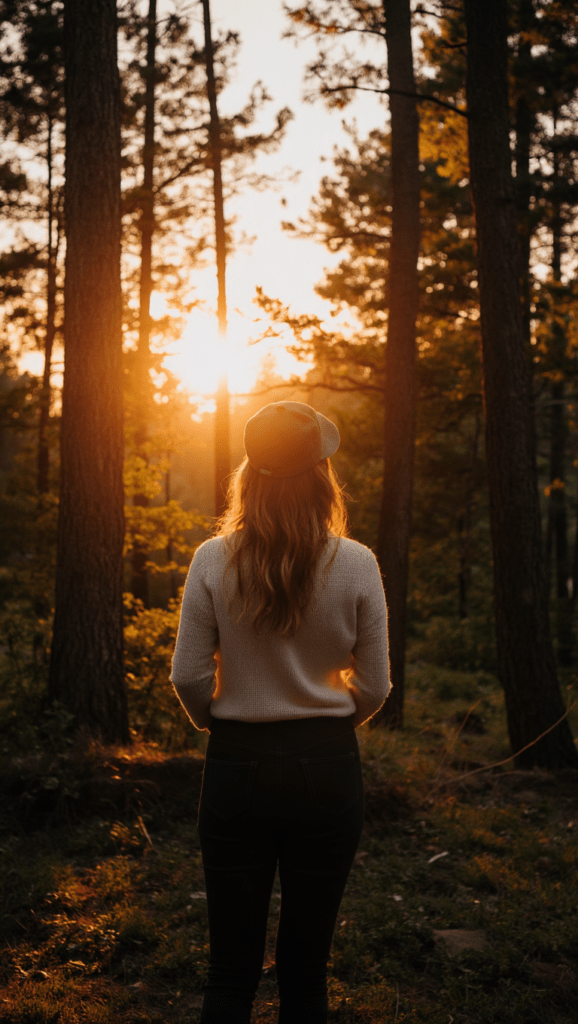
Better Prompt
“A woman standing in a forest at sunset”
Best Prompt
Image:
“A woman, in photorealistic style, walks along a forest trail with tall pines above her, shadows draping across the ground. She slows her pace as a bit of warm light catches her face. The camera begins near her boots and lifts in a smooth rise, revealing the height of the trees as they settle naturally into a vertical 9:16 frame.”
Video:
“A woman, in photorealistic style, walks along a quiet forest trail. The camera starts low, focusing on her feet stepping rhythmically on the path, kicking up small puffs of dust. As she walks, the camera smoothly tilts upward in one continuous, slow motion, revealing her legs in denim jeans, then her torso in a casual tee. Her long brown hair sways gently as she glances around, a soft smile playing on her lips. The camera continues its rise, ending high among the tops of the towering pine trees as their needles sway slightly in the breeze. Vertical 9:16 view with gentle camera movement.”
2. Stylized 3D Magic Character in 9:16
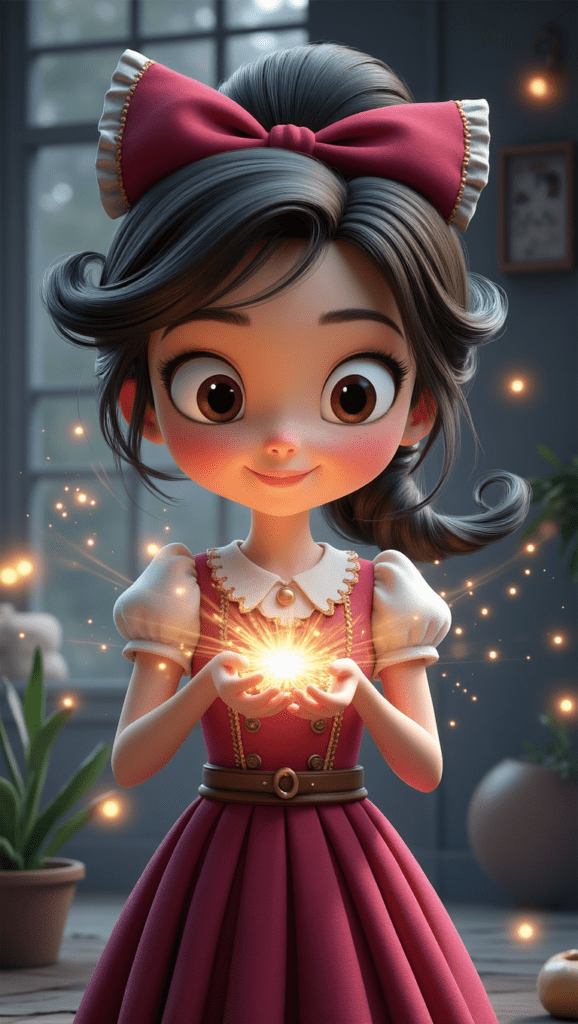
Mediocre Prompt
“A girl casting magic”
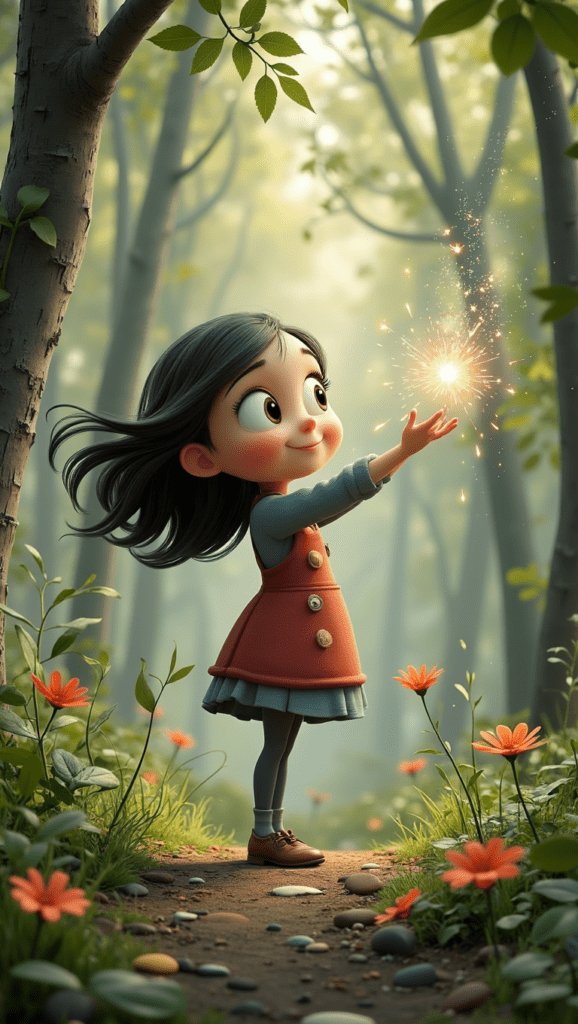
Better Prompt
“A girl casting magic in a colourful forest”
Best Prompt
Image:
“A young mage illustrated in a playful Pixar-inspired style stands in a sunlit clearing where loose leaves drift lazily through warm air. A sphere of soft glowing magic gathers between her hands, sending tiny shimmering flecks upward. The camera sweeps in from the right, catching her delighted expression as the scene settles into a tall 9:16 frame.”
Video:
“3D animation style, a cute young girl with dark curly hair tied in a ponytail, wearing a tan witch hat, carefully holding a magical glowing orb in her open palms. She is dressed in a red coat over a green dress, smiling softly as she gazes at the light. Leaves gently drift down around her. Her ponytail bounces slightly as she breathes. The magical light flickers and pulses with energy. Soft, diffused sunlight filters through the trees, creating dappled shadows. The camera slowly dollies forward, tightening the focus on the magical light in her hands.”
3. Tropical Beach in 9:16

Mediocre Prompt
“A tropical beach at sunrise”

Better Prompt
“A tropical sunrise with soft peach and lavender tones in the sky, gentle waves catching subtle warm highlights, palms swaying lightly.”
Best Prompt
Image:
“From a gentle aerial angle above the shoreline, a bright tropical beach stretches into view. The water closest to shore glows a soft mint-cyan, deepening into rich turquoise as waves curl and break over smooth sand. Palm trees lean toward the coast, casting long morning shadows that sweep diagonally across the beach. The perspective sits high enough to feel airborne but tilted just enough to show the curve of the coastline, giving the scene depth and a dreamy, sunlit atmosphere.”
Video:
“The camera glides forward at an angled aerial tilt, traveling parallel to the shoreline. It looks down toward the sand as waves roll in, leaving bright foam trails that fade back into turquoise water. The sunlight flickers across shifting reflections on the surface as the camera moves. Palm trees sway gently on the right, their shadows stretching and shifting across the sand. The motion is smooth and cinematic, keeping the angled perspective while drifting along the coast. Subtle wind rustles the palm leaves. The waves ripple realistically. Tall 9:16 frame.“
How I Refine Prompts Using Images
Even though that little equation (Subject + Environment + Lighting + Atmosphere + Motion Intention) gives you a strong foundation, I still refine almost every prompt with ChatGPT. It elevates your work, but you still have to guide the moment.You still have to shape the wording, try different angles, and work with the AI instead of assuming it will land perfectly on the first try.
Most of the time, it’s easier for me to just upload pictures and let ChatGPT analyze what’s working and what isn’t. Through that back-and-forth, I’ve built a whole library of characters — some wonderfully consistent, others delightfully chaotic — as we “sculpt” the best generative AI picture we can. It’s an iterative process, and honestly, that’s part of what makes this whole workflow fun (but sometimes frustrating).
How VideoExpress AI Interprets Prompts
Think of the image prompt as your starting point. It sets the mood, lighting, environment, and intention — basically the backbone of your scene. But VideoExpress also has its own prompt helper, and that little assistant will sometimes adjust or reinterpret your words when it generates the animation. That’s why the image prompt and the video prompt don’t always match exactly.
And honestly? Sometimes the helper actually improves things. It adds little motion cues, refines the phrasing, or takes a cinematic angle you didn’t even think of. Other times, it veers off in a direction you weren’t expecting. This is where you start learning how to work with the software instead of trying to force it into a box. AI is unpredictable, but every so often VideoExpress uses that unpredictability to surprise you in a good way.
A Quick Reality Check About AI Unpredictability
Even with strong picture prompts and clear direction, AI can still be… AI. Some days everything aligns and you get exactly the cinematic moment you imagined. Other days the model decides to give you a surreal dream that makes you wonder if it’s playing a trick on you.
In VideoExpress specifically, negative prompts are hit or miss. Adding “no extra limbs” or “no strange hands” can absolutely help — but sometimes removing negatives entirely gets you better results. You never know. It’s unpredictable like that. You’re basically learning a new visual language together.
And while VideoExpress already has great tools, some features (like inpainting) are still being refined. But after spending a lot of time inside Leonardo AI and Hailou AI, it becomes clear that this isn’t a VideoExpress issue — it’s just where ai generated animation is right now. The entire field is evolving at hyper-speed, and some quirks are simply part of the process of experimenting with something so new.
The upside is that with VideoExpress, you’re not burning through credits every time you revise a prompt or retry a scene. You can experiment freely without feeling punished for learning, and honestly, that freedom is what makes the frustrations tolerable. When a scene finally clicks, it feels worth every odd output along the way.
VideoExpress AI: Which Plan Makes Sense for You?
Because I use VideoExpress AI for most of my animation work, here’s a simple breakdown of the two plans for you.
Basic Plan — $49 One-Time
| Feature | What It Means |
| AI text/image to video | Turn ideas into animations |
| 4-second clips | Test motion and style quickly |
| Up to 5-minute videos | Great for simple edits and compilations |
| Timeline editor | Easy sequencing |
| AI inpainting | Fix glitches |
| Prompt writer | Helps if you’re stuck |
| Text-to-speech + recording | Add narration |
| HD output, no watermarks | Clean and professional |
| Commercial use | Monetize freely |
Short version:
Great for beginners and hobbyists. Be warned though that if you decide to upgrade later, you’re not getting a discount on the full version.
All-Access Plan — $179 One-Time
| Feature | Why It Matters |
| 8-second clips | Smoother, more cinematic motion |
| 10-minute videos | Ideal for storytelling and YouTube |
| Talking/singing photos | Actual character expression |
| AI sound effects | Instant atmosphere |
| Consistent Character | Essential for series, branding, continuity |
| Face swap | Put yourself in scenes |
| Background/object editing | Easy cleanup |
| Faster rendering | Less waiting |
| Full feature access | Nothing locked |
Short version:
A full creative studio for storytellers, YouTubers, animators, and anyone who wants consistent characters across multiple videos.
Exporting: 16:9 or 9:16 Only
VideoExpress exports in just two orientations:
- 16:9 landscape (perfect for YouTube)
- 9:16 vertical (ideal for TikTok + Instagram Reels)
It actually simplifies your workflow because you never have to guess which format to use — you just pick based on where the video will live.
I Prefer to Edit My Final Videos in CapCut Editor
VideoExpress includes its own built-in video editor, but I still finish my videos in the CapCut editor. It’s the editor I feel fastest and most comfortable with, especially for text, timing, transitions, effects, music, pacing, and final polish.
So my workflow looks like this:
VideoExpress AI = cinematic motion + animation engine
CapCut = final editing + cleanup
And even with that split workflow, I genuinely love using VideoExpress as the starting point for all my animations.
Try the Tools I Use and Love
If you want to create the same style of cinematic scenes shown in this post, here’s my link to the exact tool I use:
👉 VideoExpress AI:
https://www.fantasyfusionai.com/go/videoexpress
Affiliate Note:
This article includes affiliate links. When you make a purchase using one of those links, I may earn a small commission. There’s no extra cost to you, and I only recommend software I actively use and trust.
Full disclosure page:
https://www.fantasyfusionai.com/affiliate-disclosure/
See the project in action on:
Ready to level up your picture prompts and writing with a little AI magic? Visit our homepage to explore tools, tips, and inspiration designed to help storytellers like you bring their worlds to life.
Leave a Reply