AI ART GALLERY, PROMPT EXAMPLES & CREATIVE TOOLS
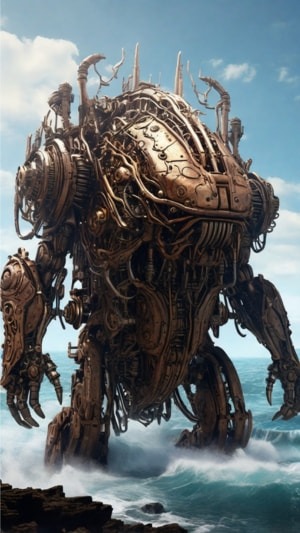
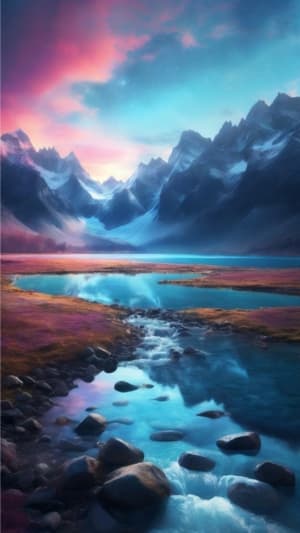
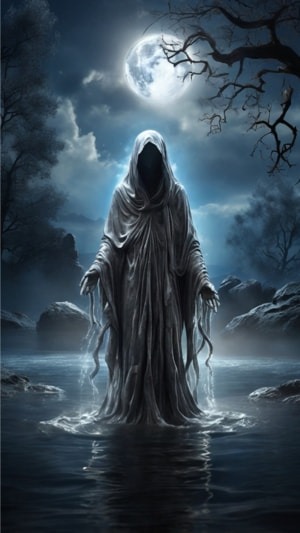
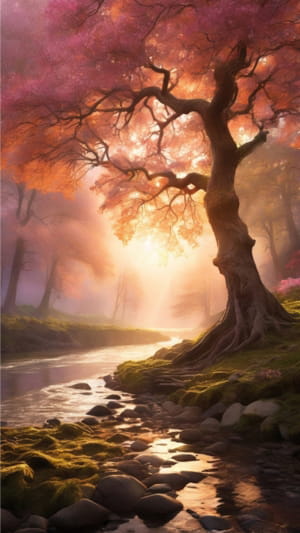
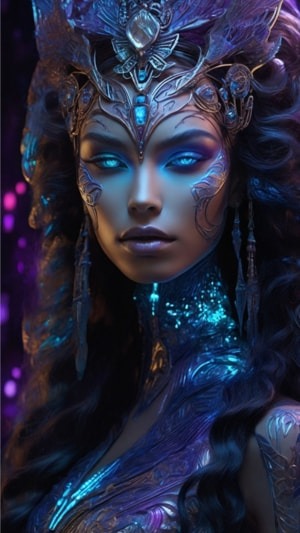
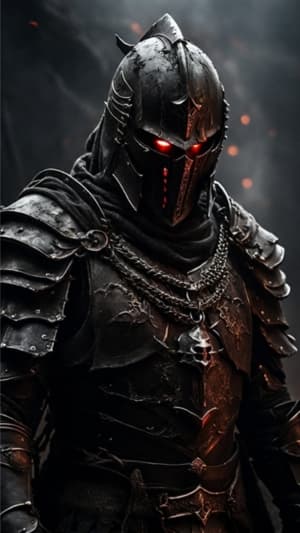
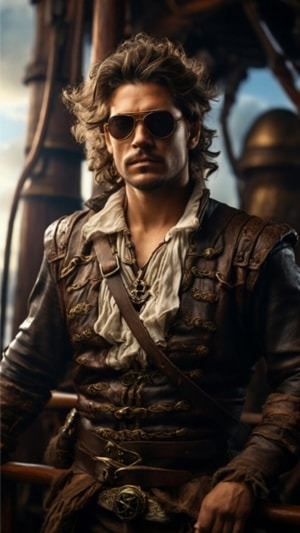
Explore an AI art gallery filled with fantasy characters, environments, cinematic scenes, and creative examples made with modern AI image tools. Use the gallery for inspiration, discover practical AI prompt examples, and explore prompts and tools you can adapt for your own projects.
Explore topics including:
- Browsing finished AI artwork for inspiration
- Using AI prompt examples to develop your own ideas
- Building stronger prompts with an image prompt generator
- Creating an AI image prompt for characters, scenes, and environments
- Exploring AI character prompts for fantasy and storytelling projects
See the project in action on:




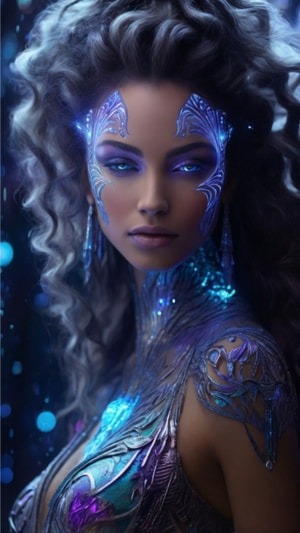
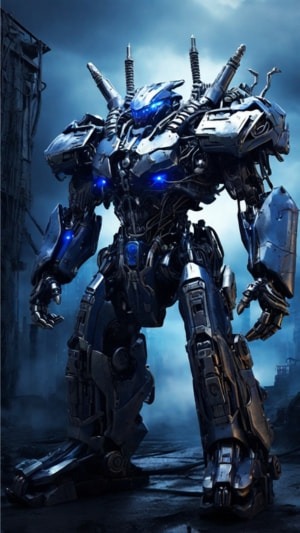
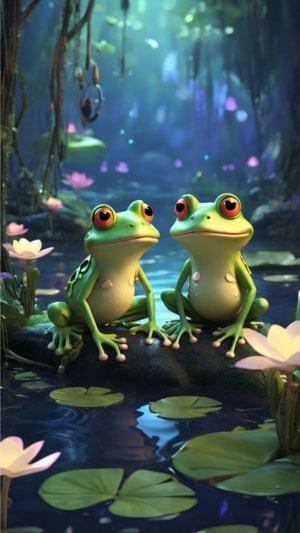
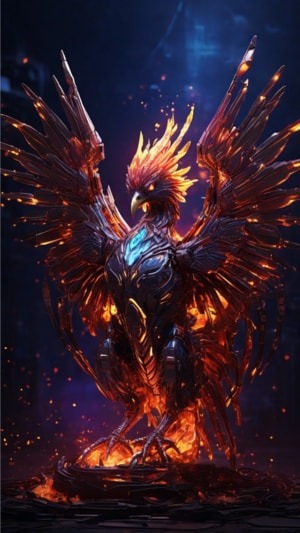



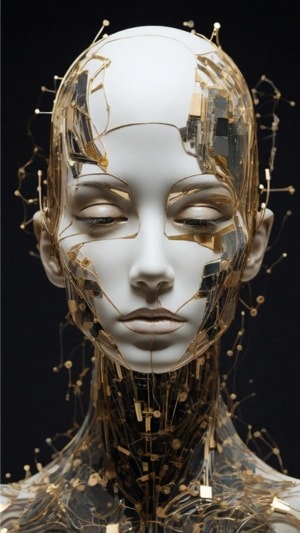


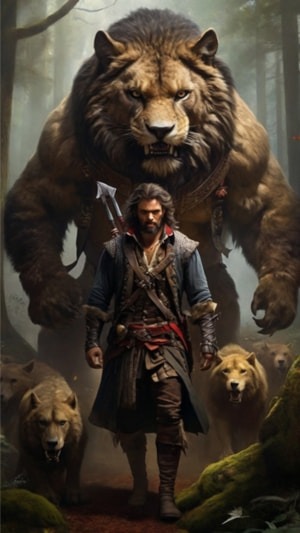
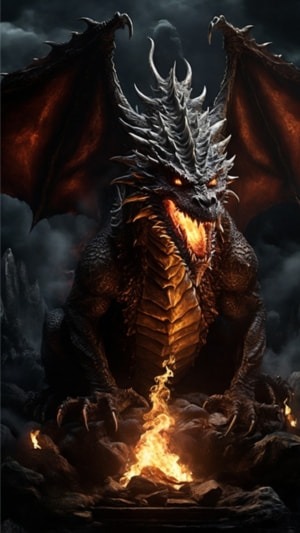



Explore the AI Art Gallery
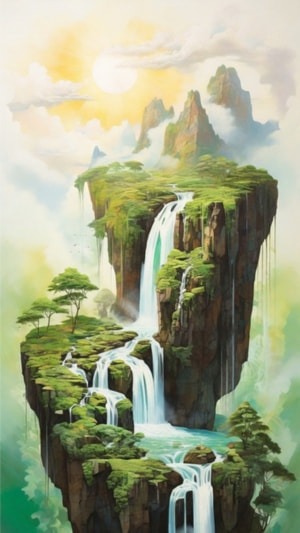
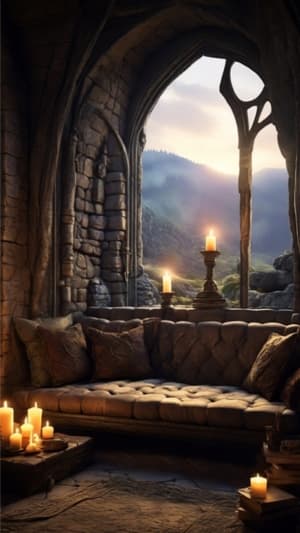
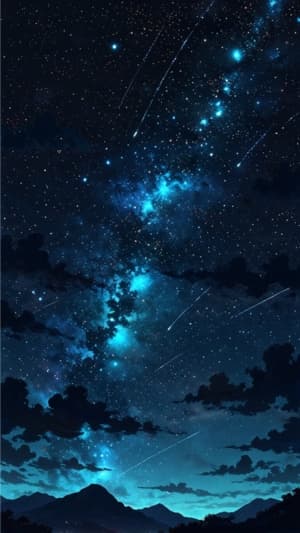
Our AI art gallery brings together fantasy artwork created while experimenting with different AI image generators, prompts, styles, and creative techniques.
The gallery includes fantasy characters, enchanted environments, dramatic landscapes, magical creatures, and cinematic scenes created with tools such as LEONARDO AI and MIDJOURNEY.
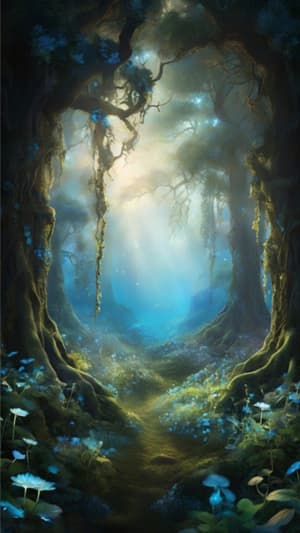
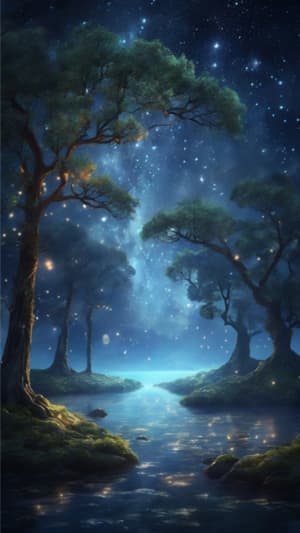
Rather than treating each image as a finished project, you can also use the gallery as a source of visual inspiration. Look at how lighting, composition, colour, atmosphere, camera angle, and character design affect the finished image, then adapt those ideas for your own work.
Hover over image to reveal left and right arrows for navigation.
AI Prompt Examples Behind the Artwork
A strong image often begins with a surprisingly simple idea. The important part is giving the AI enough visual direction to understand what you want without filling the prompt with unnecessary instructions.
Our recommended formula:
Subject + Environment + Lighting + Atmosphere + Motion Intention
For example, instead of prompting simply for:
“A fantasy warrior”
you could develop the idea into:
“A battle-worn fantasy warrior standing inside an ancient ruined temple, soft blue light entering through broken stone arches, misty atmosphere, weathered armour, cinematic composition.”
The second version gives the image generator much more information about the subject, setting, lighting, mood, and composition while still leaving room for interpretation.
Our AI prompt examples explore different ways to build prompts like these for fantasy artwork, characters, environments, and cinematic scenes.
For a deeper look at prompt structure and visual direction, explore our PICTURE PROMPTS FOR AI ANIMATION GUIDE.
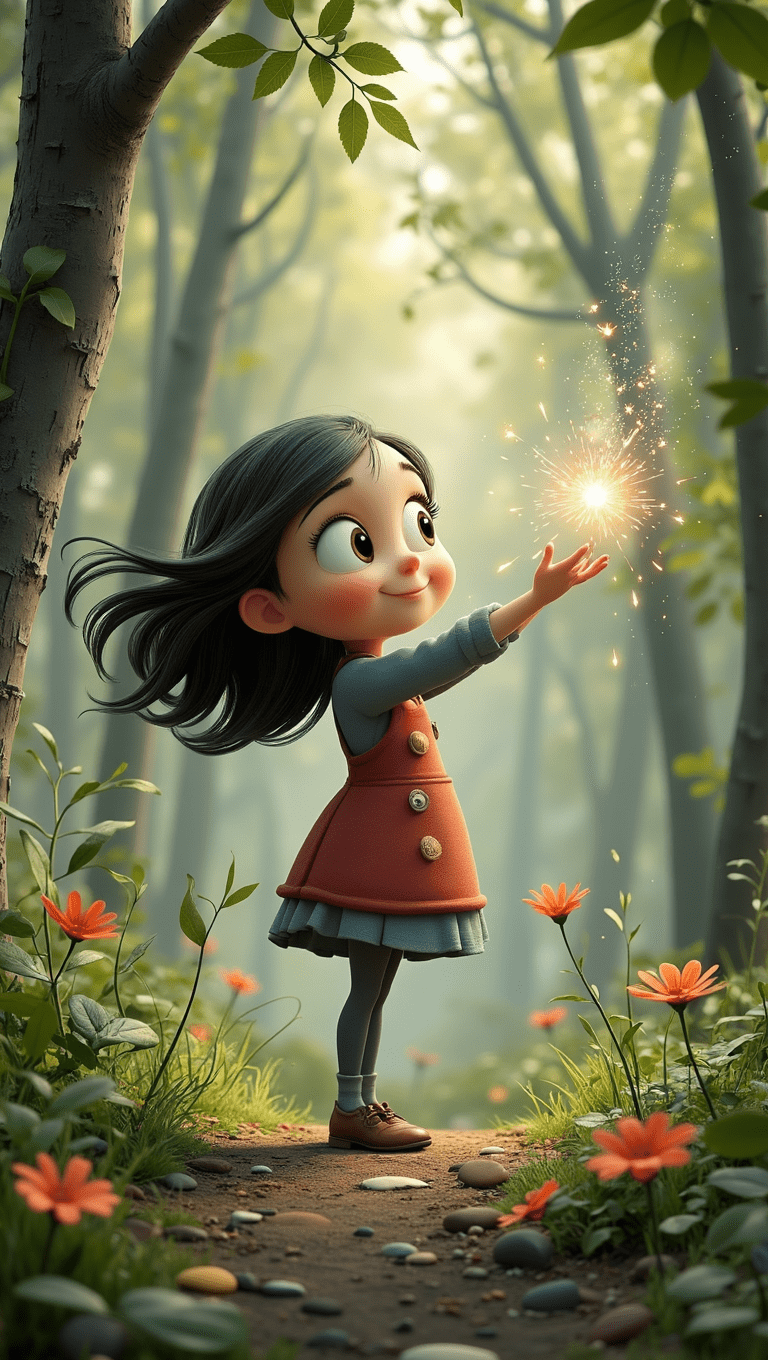
Build Better AI Image Prompts
An effective AI image prompt doesn’t need to be enormous. It needs to communicate the visual information that matters.
Start with the main subject and setting, then add details that influence the finished image:
- Who or what is the main subject?
- Where is the scene taking place?
- What kind of lighting should the image have?
- What atmosphere or mood are you trying to create?
- Are there important colours, materials, clothing, or environmental details?
- What camera angle or composition would suit the scene?
An image prompt generator can help when you’re stuck for ideas, but generated prompts are usually most useful as a starting point. Remove unnecessary wording, change details that don’t fit your vision, and experiment with different versions to see how the image changes.
Prompting is less about finding one magical combination of words and more about learning which instructions actually influence your results.
AI Character Prompts for Fantasy Projects
Characters often need more direction than environments because small changes can completely alter their appearance and personality.
Useful AI character prompts can describe characteristics such as age, clothing, expression, hairstyle, physical features, accessories, environment, lighting, and overall visual style.
Instead of:
“A fantasy sorceress”
try:
“A mysterious elven sorceress with long silver hair and weathered dark robes, standing beside an ancient forest shrine at dusk, subtle blue magical light illuminating her face, cinematic fantasy portrait.”
You can then change individual elements without rebuilding the entire prompt. Swap the environment, expression, lighting, clothing, or camera position and compare the results.
This approach is especially useful when developing characters for stories, animations, worldbuilding projects, or a series of related images.
See the project in action on:
Creative Tools Used in the Gallery
Different tools can be useful for different parts of the creative process.
LEONARDO AI is one of the primary image-generation tools used throughout Fantasy Fusion AI and works well for experimenting with fantasy characters, environments, realistic imagery, and different AI art styles.
MIDJOURNEY provides another approach to image generation and can be useful for exploring highly stylized concepts and visual directions.
CHATGPT can help develop an initial concept into a more detailed prompt, suggest variations, or identify visual details you may not have considered.
The final creative direction still comes from you. AI tools provide different ways to interpret and develop the idea, but experimenting with prompts, comparing results, and deciding what actually works are all part of the process.
From AI Art to Animation
A finished image can also become the starting point for something larger.
AI image-to-video tools can add camera movement, environmental motion, character movement, and other effects to still artwork. Individual clips can then be combined with music, sound, transitions, and editing to create a complete video.
Explore More AI Creative Tools
Continue exploring Fantasy Fusion AI with our guides to AI IMAGE creation, AI TALKING AVATARS, and AI VIDEO creation, or visit the FANTASY FUSION AI BLOG for more AI tools, comparisons, prompts, and creative experiments.