
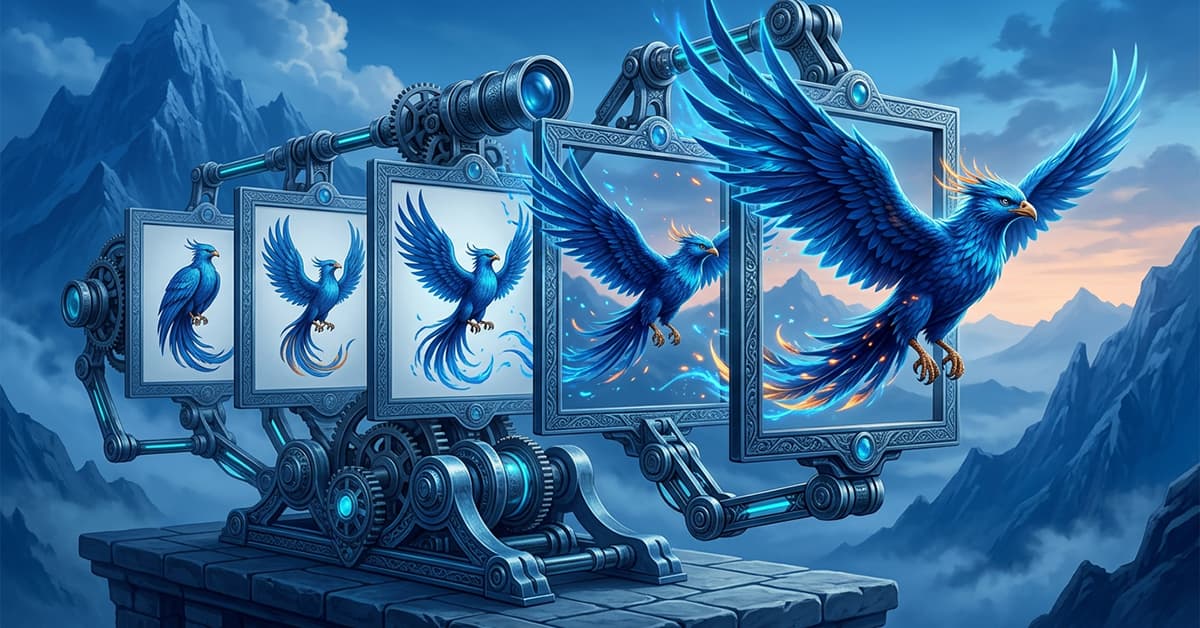
CHOOSING AN AI FILMMAKING TOOL FOR YOUR WORKFLOW
Creating a cinematic AI video usually involves more than one tool. From planning and image generation to animation, editing, music, and effects, each stage of the workflow has a different job.
This guide explores how AI filmmaking tools can work together to turn an idea into a finished video, including creating your visuals, animating scenes with Video Express AI, and assembling everything into a cohesive story with CapCut.
Explore topics including:
- Planning a visual story before generating images and video clips
- Creating consistent AI-generated images for individual scenes
- Animating still images with VIDEOEXPRESS AI
- Choosing the right tools for different stages of your project
- Combining generated clips, music, sound, and effects in CAPCUT
- Turning individual AI scenes into a complete cinematic video
Affiliate Link Disclosure:
This site includes affiliate links. When you make a purchase using one of those links, I may earn a small commission. There’s no extra cost to you, and I only recommend software I actively use and trust.
Full Disclosure:
https://www.fantasyfusionai.com/affiliate-link-disclosure/
See the project in action on:
Step 1: Build Your World
Plan Your Story Before Creating
Every finished video starts with an idea. Before generating images or animation, outline the locations, characters, atmosphere, and major moments you want the audience to experience.
Tools like CHATGPT can help develop concepts, organize scenes, refine visual descriptions, and turn a broad idea into individual shots you can actually create.
Our Forest Dragon project is one example. Instead of generating unrelated fantasy clips and trying to connect them afterward, the project begins with a visual direction and builds individual scenes around it.
Planning first gives each tool used later in the process a clear purpose: creating one part of a larger story.
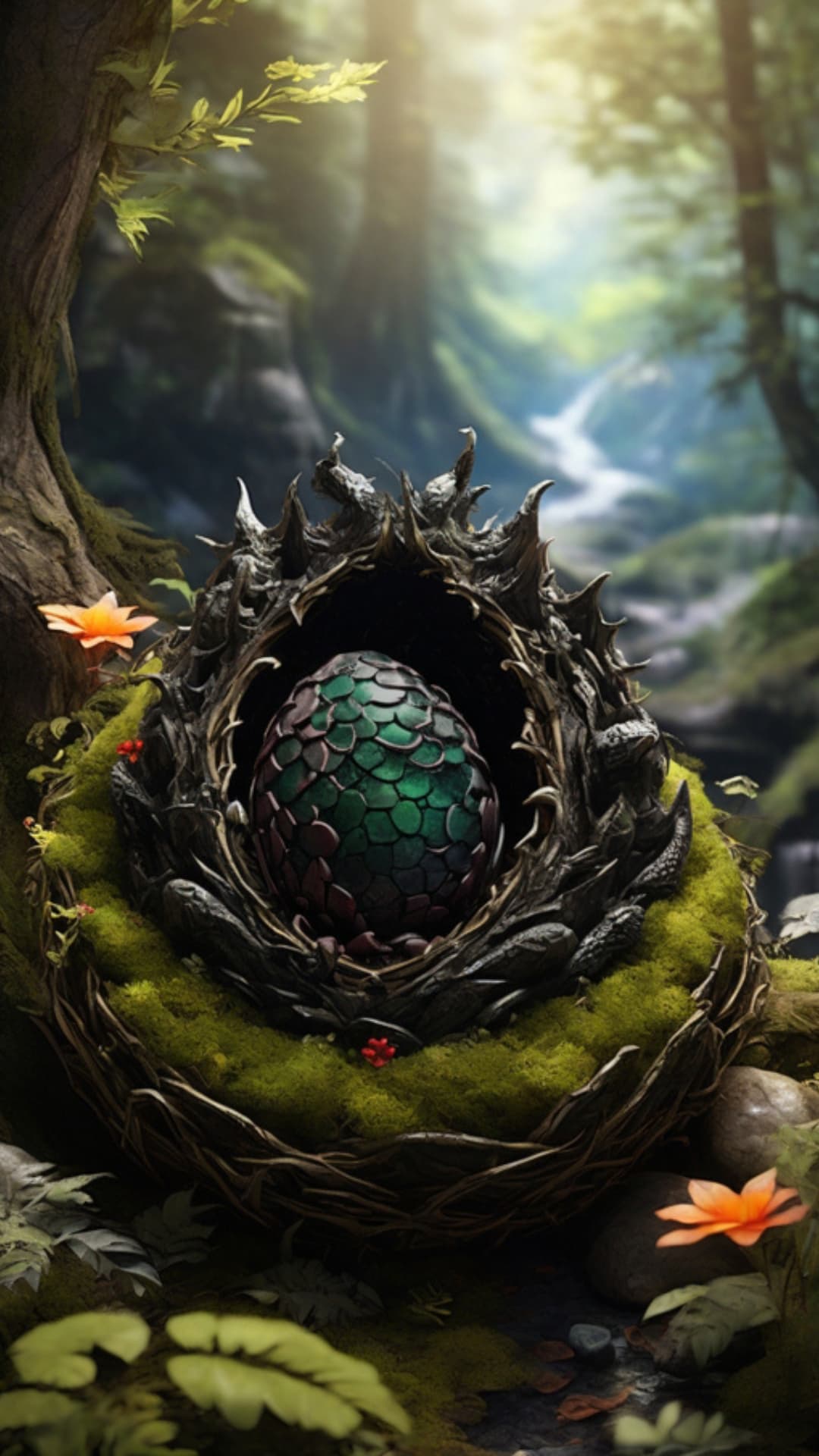
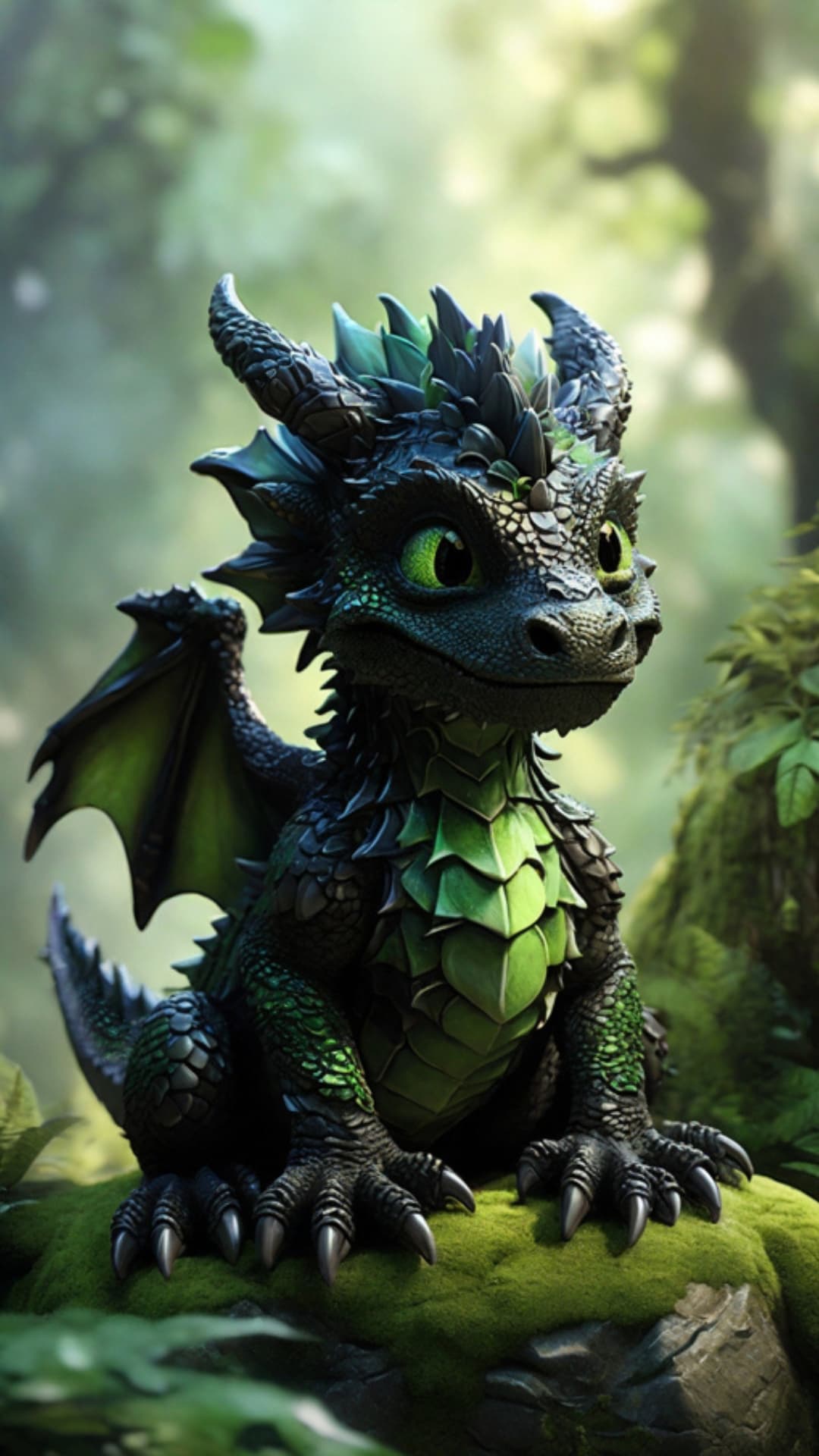
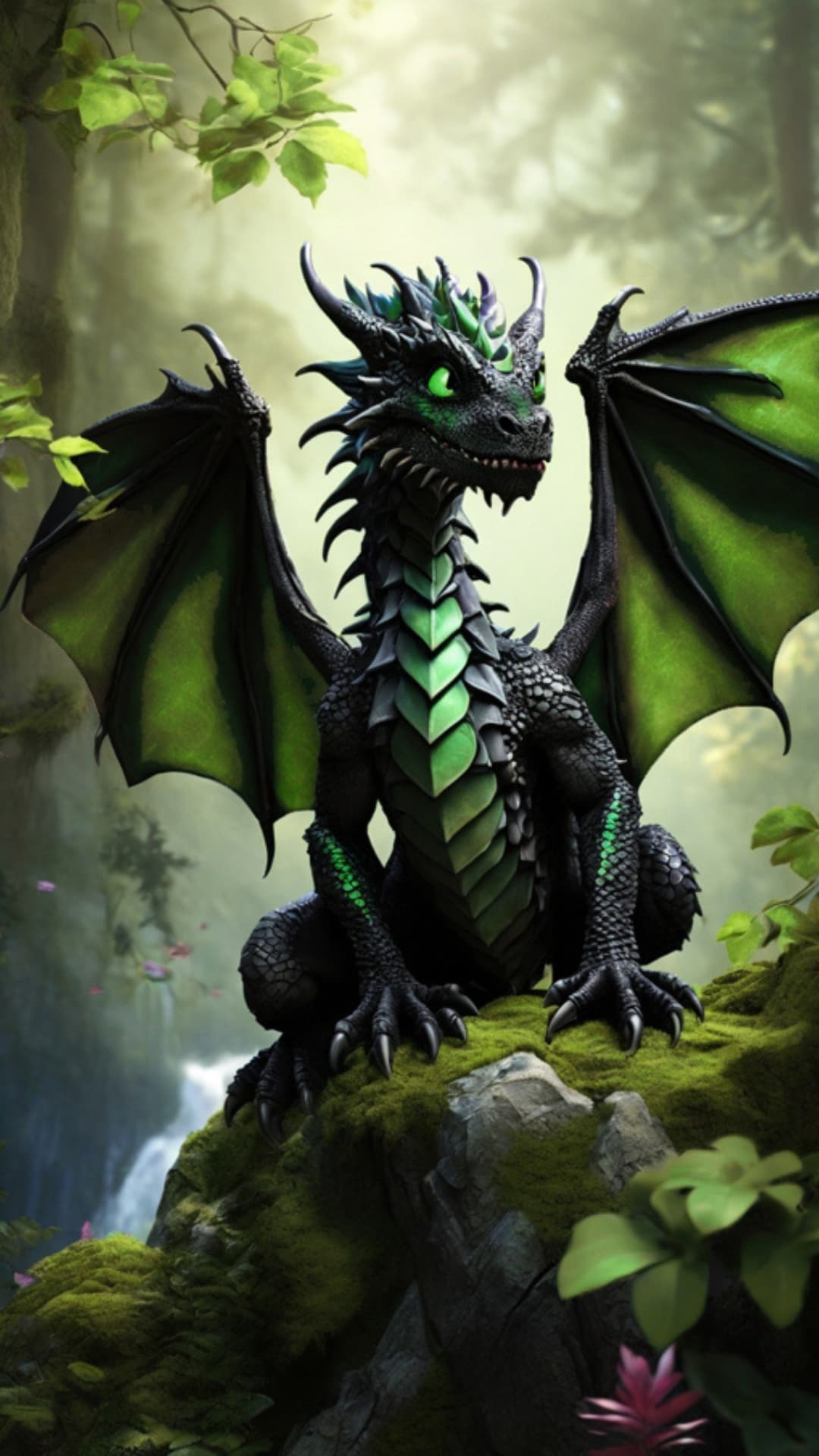
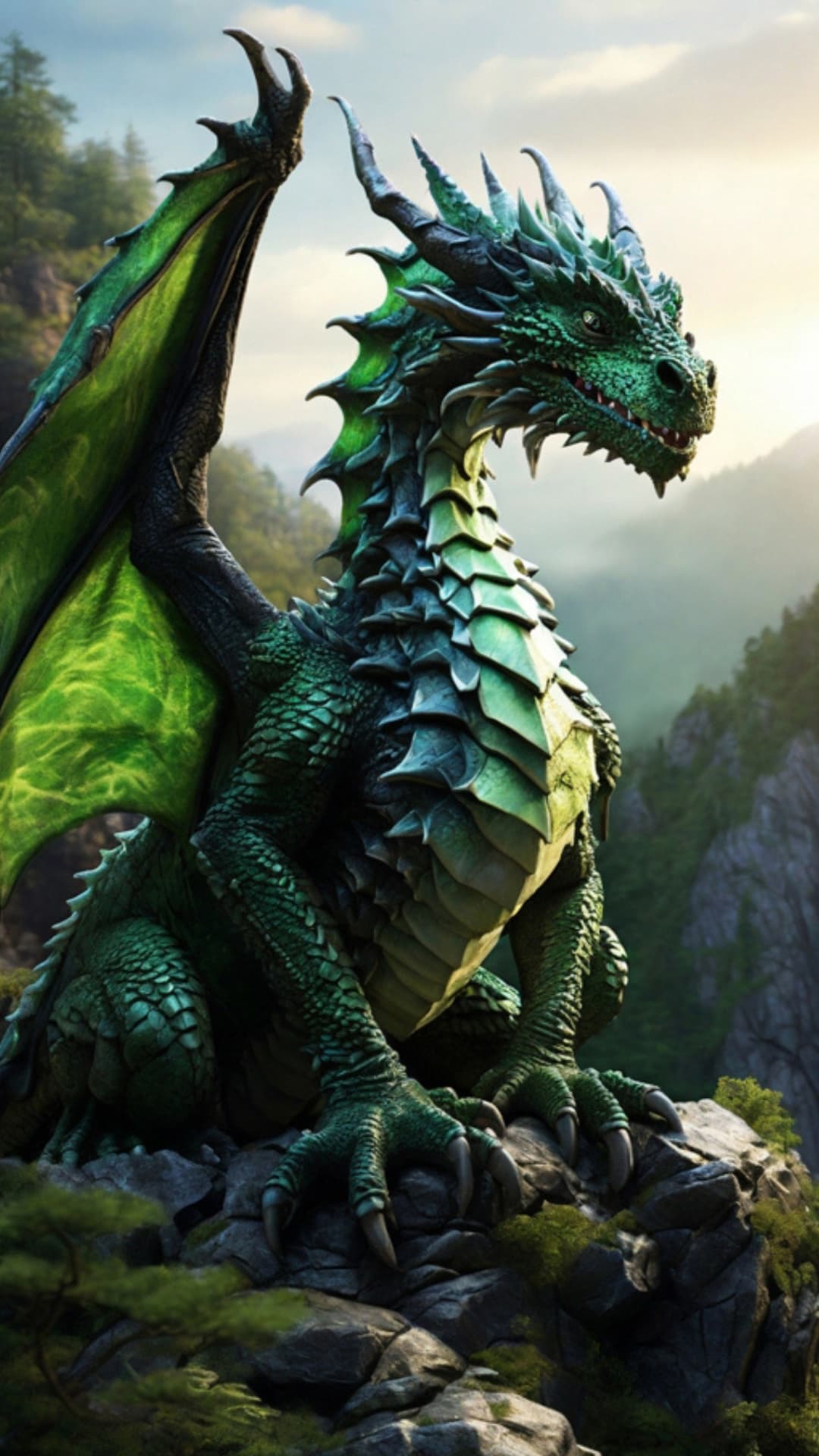
The images for this project were created with Leonardo AI, guided by carefully designed prompts from ChatGPT. Click to expand images on smaller devices.
Step 2: Direct the Vision
Create AI Images for Each Scene
LEONARDO AI, MIDJOURNEY AI, and other image generators can create the characters, environments, establishing shots, and dramatic moments that become the visual foundation of your video.
Think about each image as a shot rather than a standalone piece of AI art. Consider camera position, lighting, character placement, environment, and how one image will transition into the next.
Maintaining a consistent visual direction at this stage makes the finished video feel much more cohesive once everything starts moving.
Think like a filmmaker: What image captures your story’s climax? What mood sets the tone of your world? Each render should serve a purpose in the larger visual story. You’re not just creating individual images — you’re directing the overall creative vision.
Step 3: Bring Your Images to Life
Animate Images with Video Express AI
Once your images are ready, they can be transformed into short animated scenes using VIDEO EXPRESS AI and other AI video tools.
Motion doesn’t need to be extreme. Camera movement, flowing hair or clothing, atmospheric effects, environmental motion, and subtle character movement can make a still scene feel cinematic without losing the composition that made the original image work.
Video Express AI can be especially useful when you need to experiment with multiple clips and variations. Access to unlimited credits for an AI video generator gives you more freedom to test different movements and generations without worrying about using credits on every attempt.
Generate variations when necessary and keep the clips that best fit the pacing and visual direction of your story.
Step 4: Craft the Experience
Assemble Your AI Video into a Cinematic Story
Individual AI-generated clips are only the raw material. Editing is where they become a finished video.
Import your selected scenes into CAPCUT or another video editor and arrange them according to your story. Adjust clip length and pacing, add transitions where they serve the scene, and combine your visuals with music, ambient sound, narration, or sound effects.
This is where separate images and animations begin to feel like one project. Creative decisions about pacing, sound, transitions, and visual continuity can turn a collection of short generated clips into a cohesive cinematic experience.
Choosing an AI Filmmaking Tool for Your Workflow
Different AI filmmaking tools are useful at different stages of the process, and you don’t necessarily need one platform to do everything.
An image generator may give you greater control over character and environment design, while a dedicated AI video tool can focus on movement and animation. Traditional editing software can then give you more control over pacing, music, sound, transitions, and the final presentation.
The best AI filmmaking tool for a particular stage is the one that gives you the control you need without unnecessarily complicating your workflow. Combining specialized tools can often provide more creative flexibility than relying on a single platform from beginning to end.

Step 5: Finish and Share Your Video
Prepare Your AI Video for Different Platforms
Once the edit is complete, watch the entire video as one experience. Look for abrupt transitions, inconsistent scenes, unnecessary clips, changes in visual quality, or moments where the pacing feels too fast or too slow.
Your final format will depend on where the video will be viewed. Vertical 9:16 works well for TikTok, Instagram Reels, and YouTube Shorts, while 16:9 is better suited to traditional YouTube videos and widescreen viewing.
The goal isn’t simply to generate individual AI clips. It’s to combine AI filmmaking tools with your own creative direction and editing decisions to turn images, animation, music, and effects into a finished project.
See the project in action on:
Explore More AI Creative Tools
Want to continue exploring? Learn how to create AI IMAGES AND ART, experiment with AI TALKING AVATARS, or browse the FANTASY FUSION AI BLOG for AI tools, guides, comparisons, and creative ideas.