
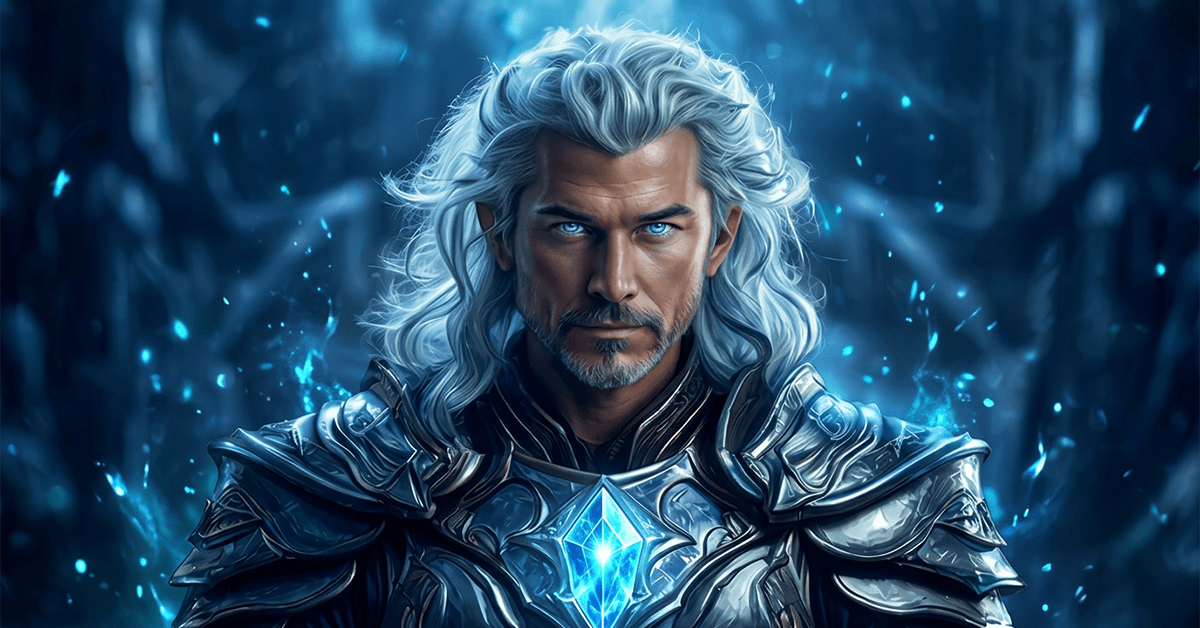
TALKING AVATAR TOOLS FOR AI PHOTOS & CHARACTERS
Create a talking avatar from a still image using AI tools designed for facial animation, lip sync, voice, and character movement. Turn portraits, fantasy characters, or illustrated faces into expressive digital characters without stepping in front of a camera.
Explore AI talking photo tools, animation workflows, and practical ways to create an avatar that talks using your own voice or AI-generated audio.
Explore topics including:
- Creating an AI talking photo with lip sync and facial movement
- Using tools like HEDRA AI and VIDEOEXPRESS AI for character animation
- Adding AI-generated voices or your own recordings
- Creating faceless character content for stories, social media, and creative projects
Affiliate Link Disclosure:
This site includes affiliate links. When you make a purchase using one of those links, I may earn a small commission. There’s no extra cost to you, and I only recommend software I actively use and trust.
Full Disclosure:
https://www.fantasyfusionai.com/affiliate-link-disclosure/
See the project in action on:
Creating Characters for Talking Avatars
A strong talking avatar starts with a well-designed image. Clear facial features, good lighting, and a straightforward composition can make it easier for animation tools to track expressions and create believable movement.
Tools like LEONARDO AI can be used to create fantasy characters, realistic portraits, or stylized avatars from prompts. CHATGPT can also help refine character descriptions, expressions, clothing, and visual details before you generate the final image.
For talking characters, front-facing or slightly angled portraits usually give animation tools more facial information to work with than distant or heavily obscured faces.
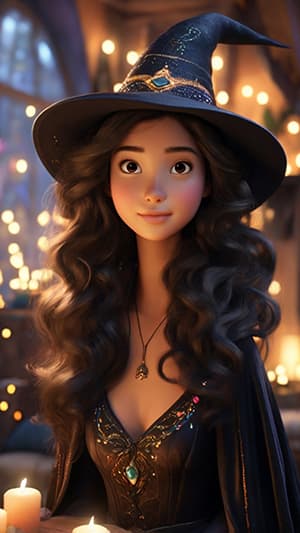
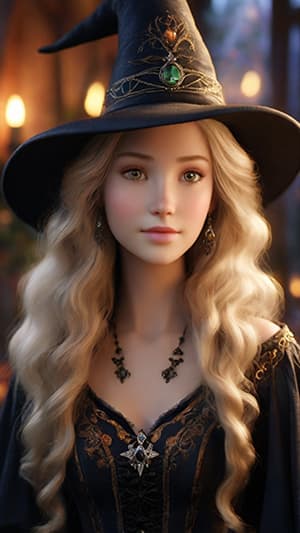
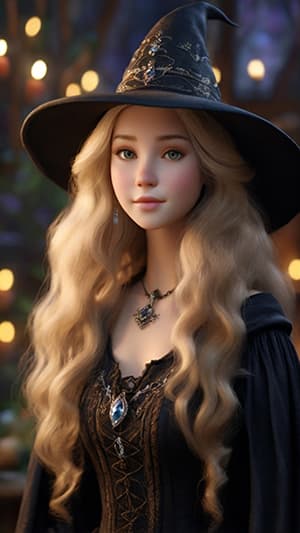
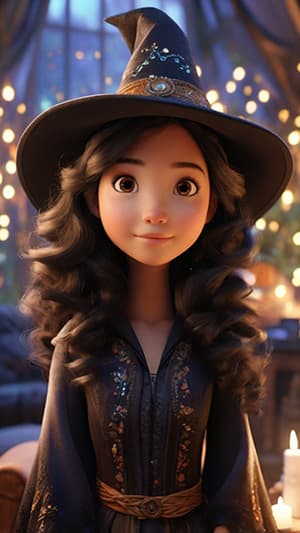
The images for this project were created with Leonardo AI, guided by carefully designed prompts from ChatGPT. Click to expand images on smaller devices.
Turn a Still Image Into a Talking Avatar
A still image can be turned into a talking character by combining facial animation, lip sync, and audio. AI avatar tools analyse the face in your image and generate movement that follows spoken dialogue.
A talking photo AI workflow can include subtle eye movement, blinking, facial expressions, head movement, and synchronized mouth animation. Results can vary depending on the original image, voice recording, and animation tool you choose.
Explore topics including:
- Adding lip sync to a still image
- Matching facial expressions to dialogue using recorded or AI-generated voices
- Animating fantasy, realistic, and illustrated characters
- Testing different images to improve animation quality
Creating a Hedra AI Video From a Character Image
HEDRA AI video tools can turn a still character image into a speaking digital avatar by combining the image with recorded or generated audio. This makes it useful for character dialogue, short-form content, storytelling, and faceless video projects.
The quality of the source image matters. Clear facial features and a strong frontal composition generally give the animation model more information to work with, while complicated poses or partially hidden faces may produce less consistent movement.
Editing Talking Avatar Videos
Once your avatar is animated, you can combine clips, dialogue, music, captions, and transitions in an editor such as CAPCUT.
Editing can help smooth pacing, remove awkward animation moments, add context, and turn individual avatar clips into finished videos for social media, YouTube, or larger creative projects.
Tips for Better AI Talking Photo Results
Creating a convincing AI talking photo often comes down to the source image and audio you provide.
For better results:
- Use a clear face with visible eyes and mouth
- Avoid extreme angles or heavily obscured facial features
- Start with short dialogue clips while testing
- Use clean audio with minimal background noise
- Compare different tools because facial movement and lip sync can vary significantly
See the project in action on:
Explore More AI Creative Tools
Ready to go beyond talking avatars? Learn how to create AI IMAGES, turn still artwork into AI VIDEO & ANIMATION, or browse the FANTASY FUSION AI BLOG for tools, guides, comparisons, and creative ideas.